
Designing for Distress: Intelligent Guidance for HowWeFeel
Product Designer | 2 Weeks
Methodology & Constraints
Note: Due to project constraints, this specific iteration has not yet undergone usability testing. The design decisions below represent hypotheses based on UX heuristics and user mental models.


The project was initiated based on qualitative data from a user survey. One power user articulated a clear pain point: as they engaged more with the app, their list of personal "takeaways" became long and unmanageable.
The "Library" Mental Model Feedback revealed that users view their saved takeaways not just as a list, but as a growing "library... lined up for my worst days."
The Scalability Challenge This insight highlighted a critical scalability risk. While a new user might only have 3 takeaways, a power user could easily accumulate dozens. My analysis suggested that a simple list would eventually fail this user; in a moment of distress, they shouldn't have to scroll through 50 old notes to find the one they need right now. They require prioritization and awareness, not just storage.
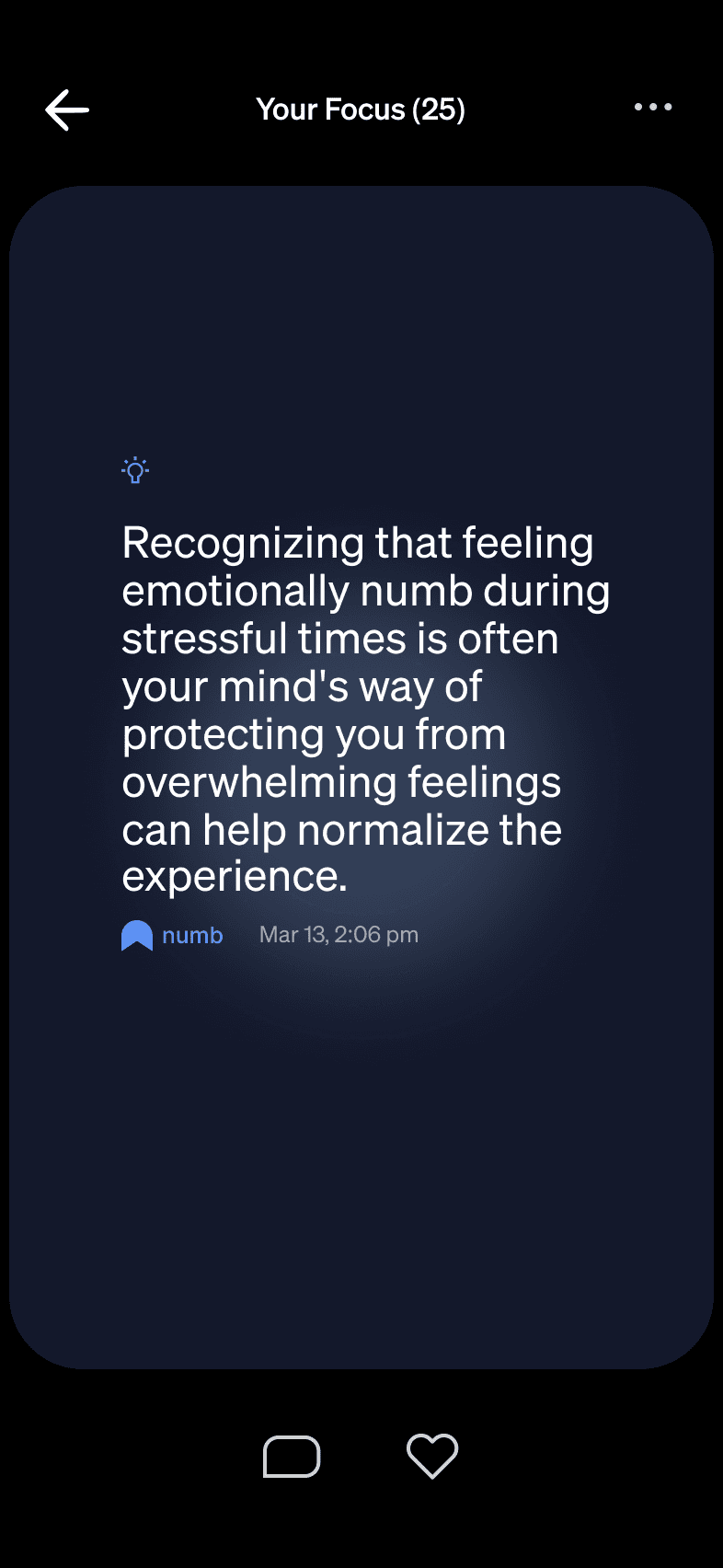
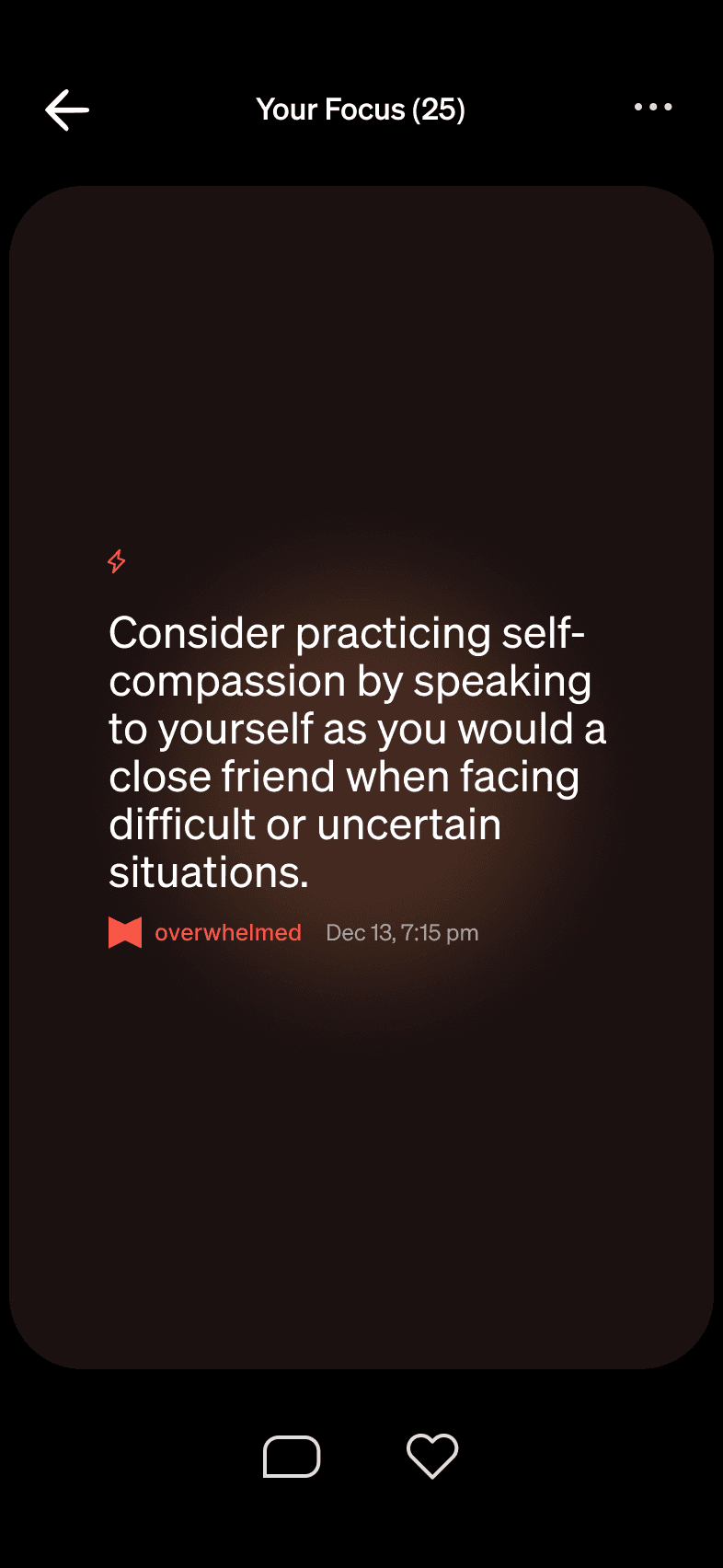
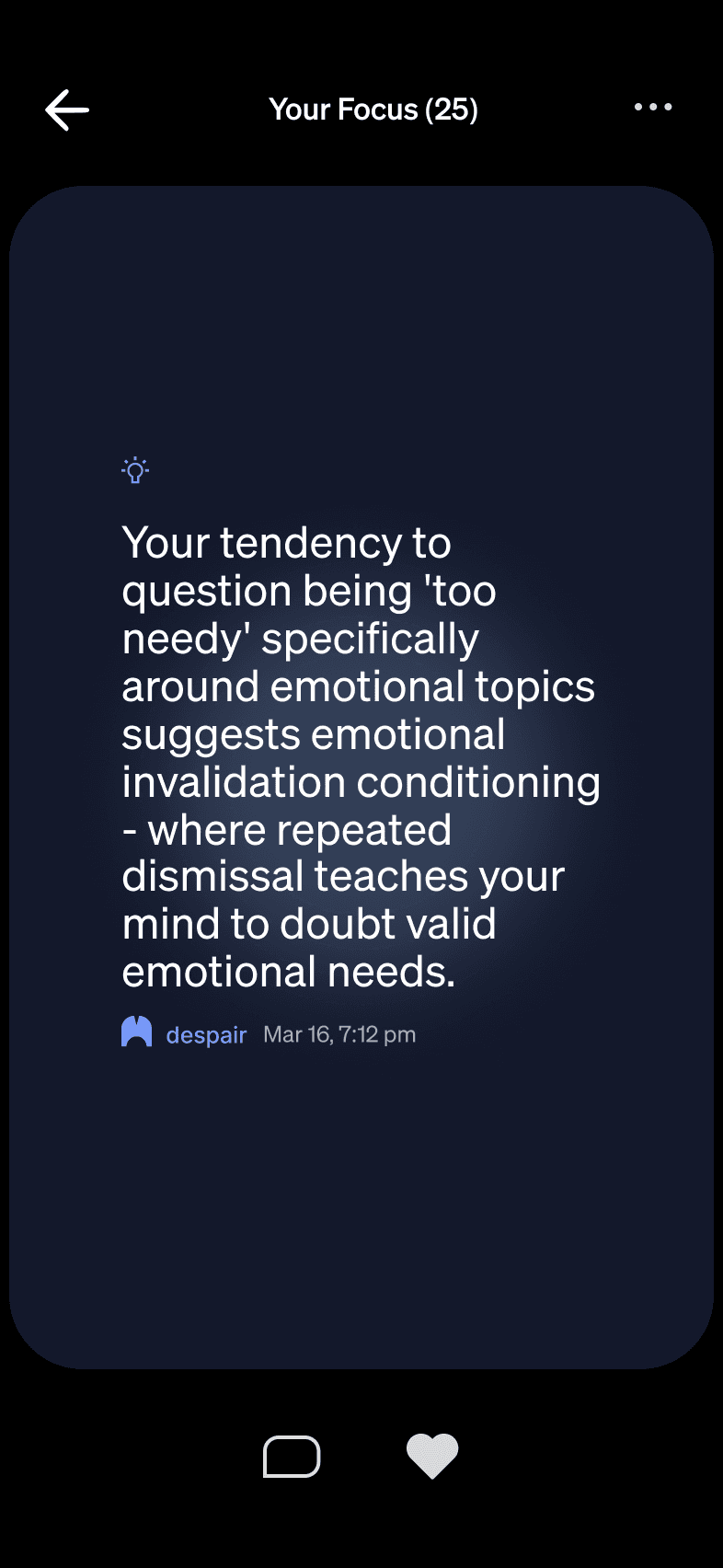
The "Clustering" Hypothesis To address the user's request for "categorization," I first explored a simple ranked list. However, I identified a potential usability flaw in this approach: Clustering.
If a user had 15 takeaways about "Work Stress" and only 3 about "Family," a simple ranked list would bury the "Family" insights at the bottom. This design would inadvertently hide critical information from the user.
The Design Goal Based on this analysis, I determined that the final solution needed to provide a "Doctor's Diagnosis"—an immediate, high-level overview of all the user's problem areas—before asking them to dive into the details.
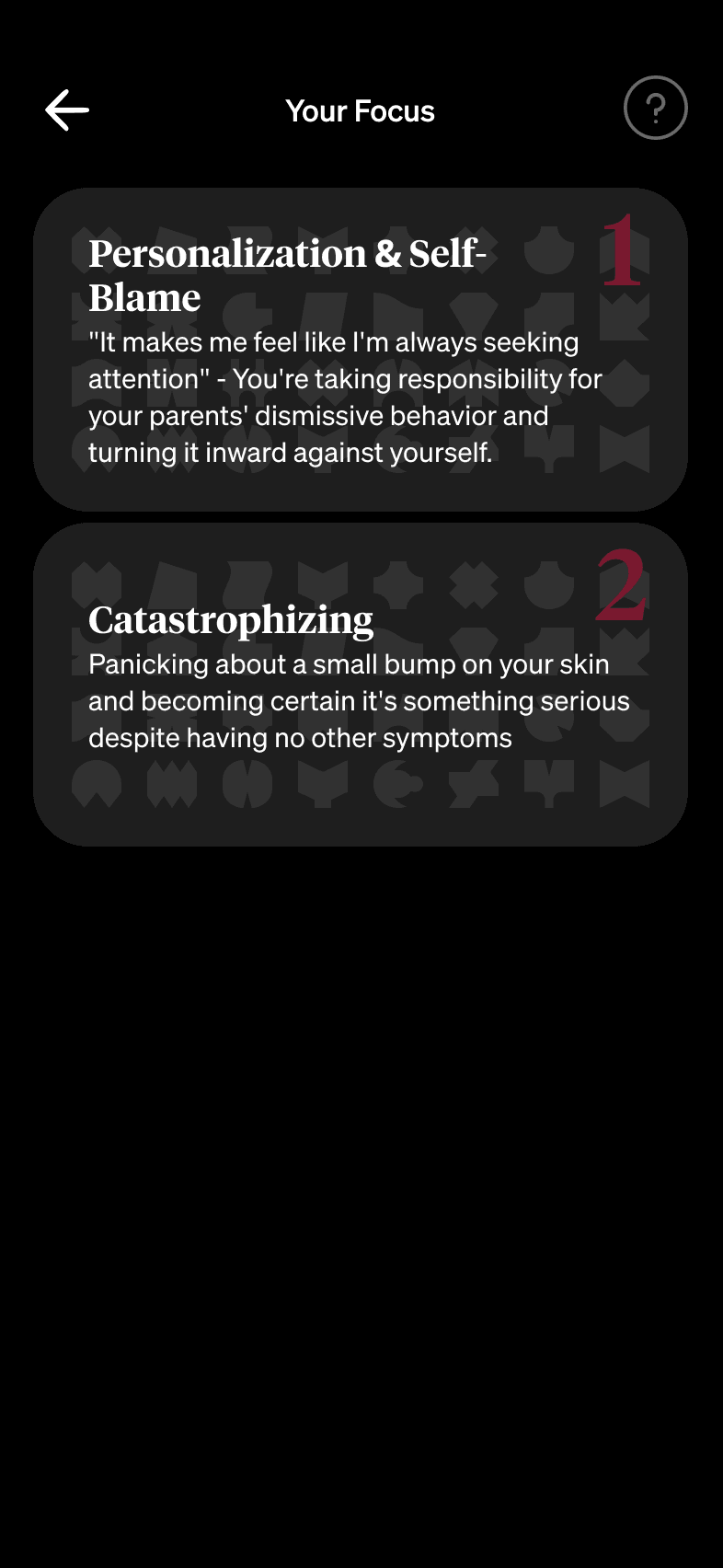
The tabs aim to provide immediate awareness. They categorize the AI-identified themes (e.g., "Work," "Self-Doubt") into clear, distinct buckets, allowing the user to scan their "diagnosis" at a glance.
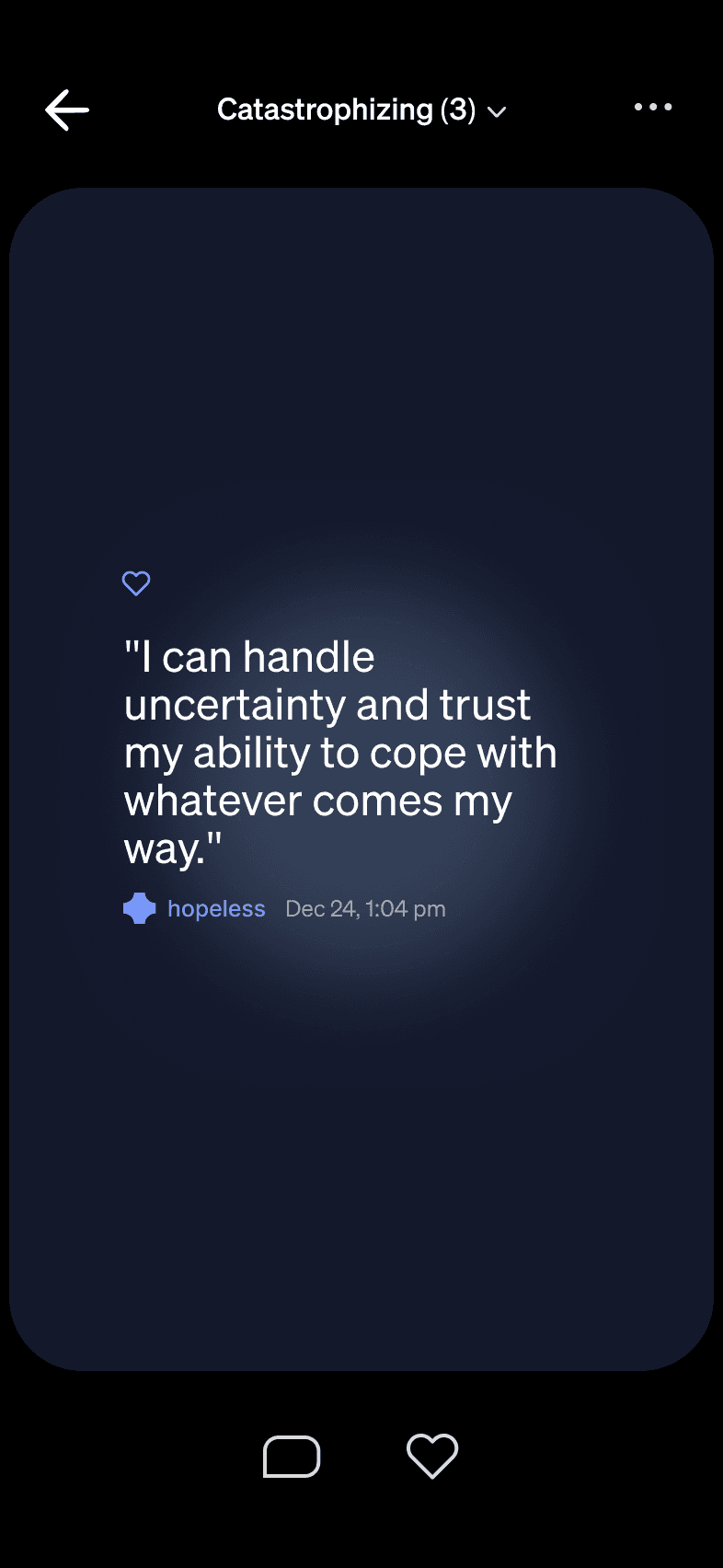
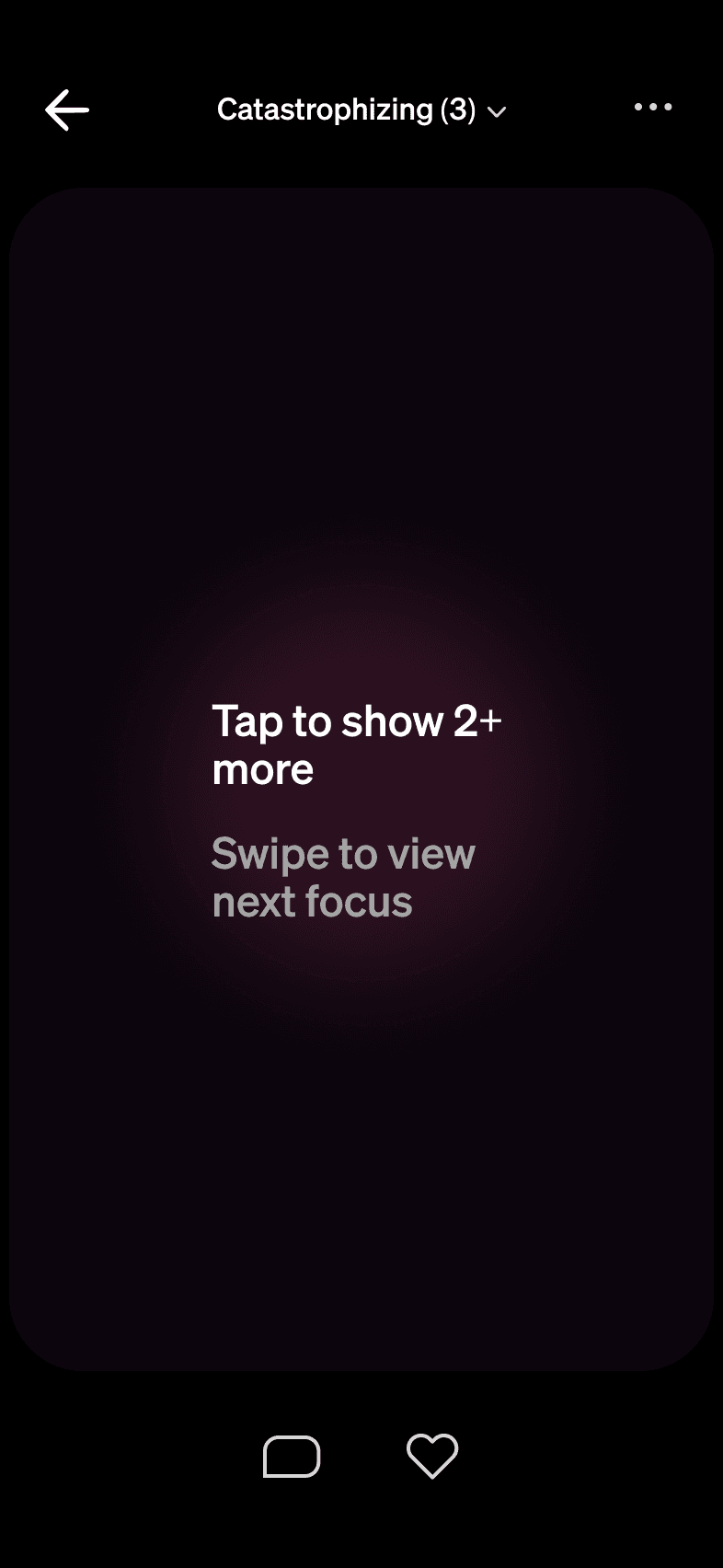
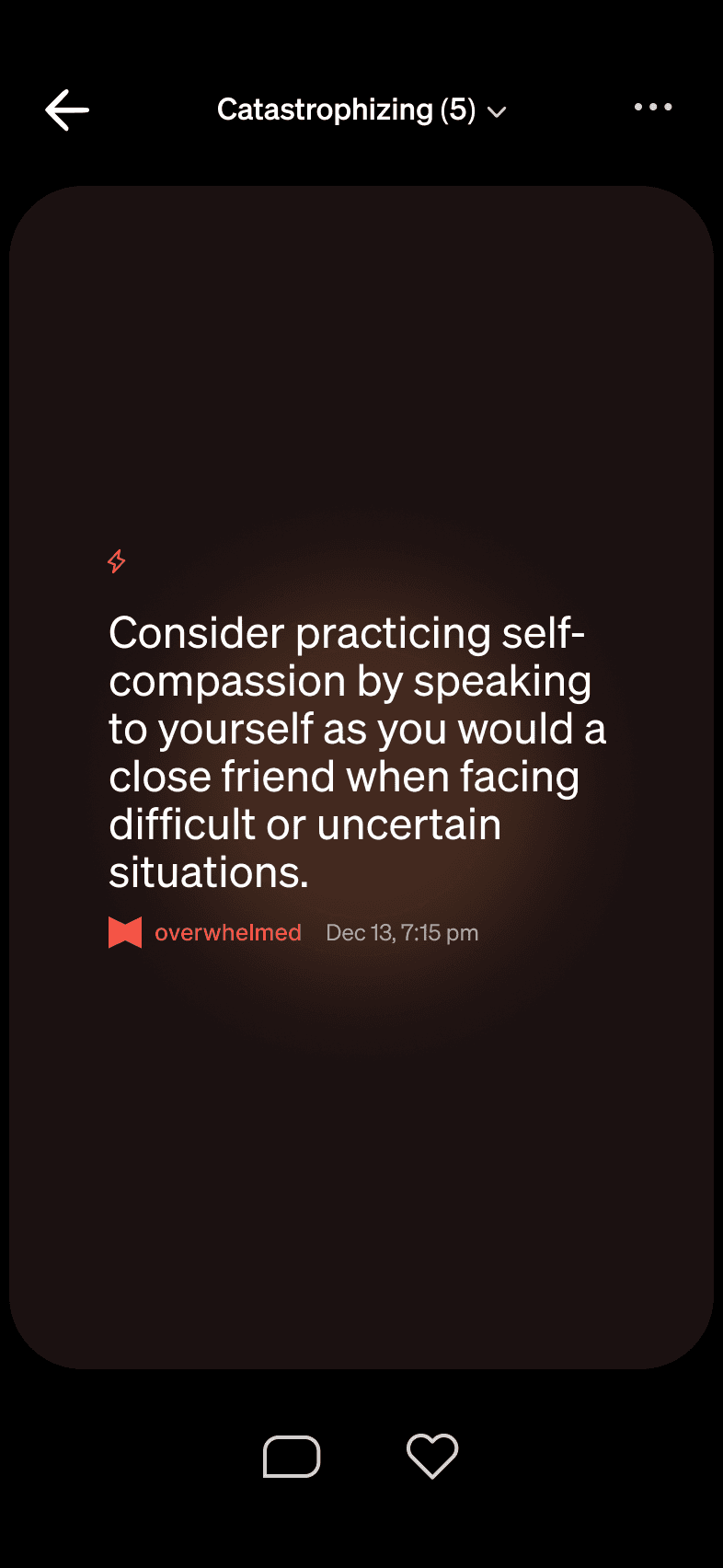
This structure is designed to reduce cognitive load. It aims to respect the user's cognitive limits in a moment of distress, preventing them from being overwhelmed by a "wall of text" while ensuring they retain full control to dive deeper when ready.
Analyze then Soothe
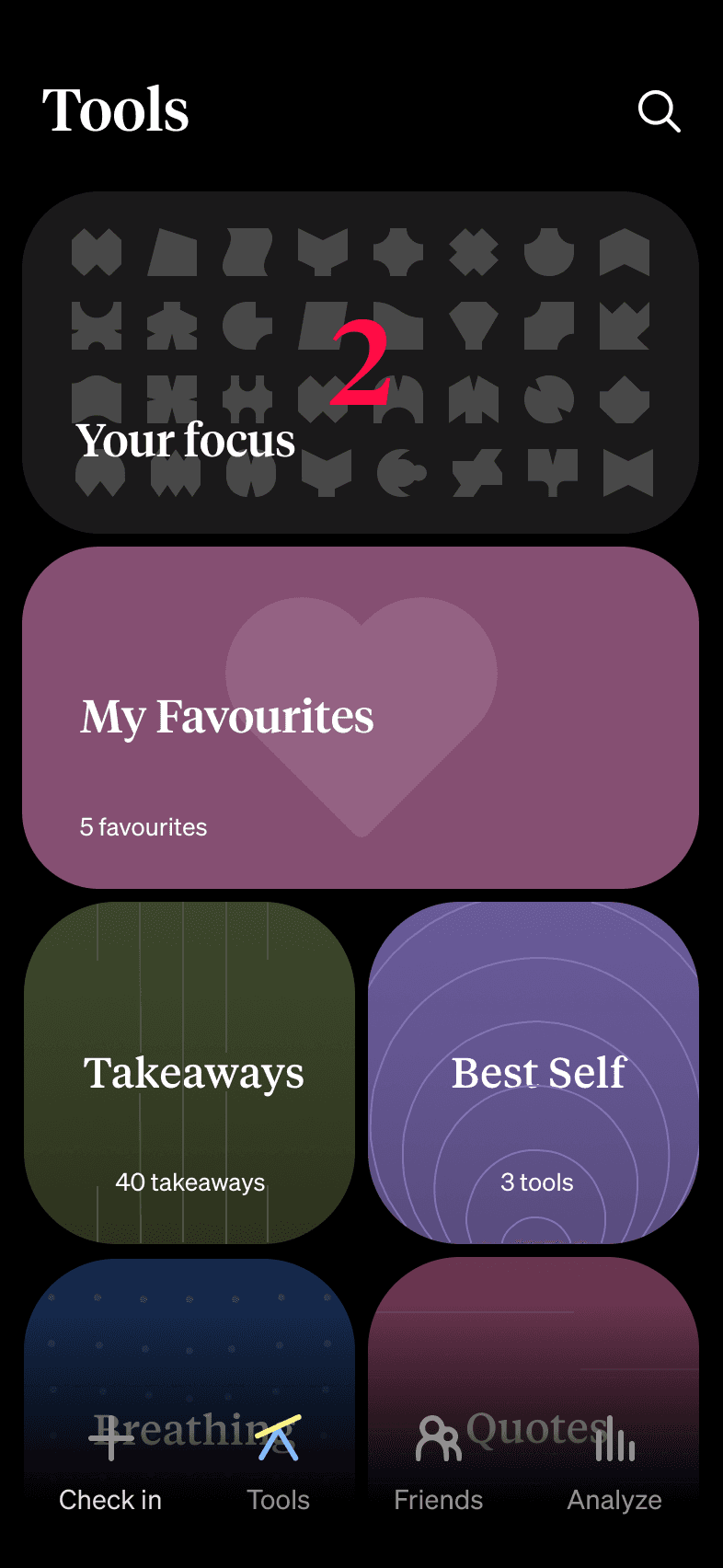
Introducing two new sections—the AI-driven Your Focus and the user-curated My Favorites—required a deliberate layout strategy. I prioritized Your Focus at the top, followed by My Favorites
This layout is based on a hypothesized "Guidance First, Comfort Second" workflow. My assumption is that in a moment of distress, a user first seeks to understand the problem (Guidance). Once they have clarity, they look to retreat to safety (Comfort). This hierarchy is intended to guide them through that natural emotional curve.

I broke the app's established pattern of abstract geometric shapes, using a Heart icon and a warmer background tone. This is intended to visually distinguish the section as a personal "sanctuary"—a safe space distinct from the functional library.
I chose the name "My Favorites" to imply user ownership and agency, contrasted with "Your Focus," which implies app-led coaching.

Because this design relies on strategic assumptions about user behavior in distress, the immediate next step would be validation. If this were a live project, I would prioritize:
Usability Testing the Tabs: Run unmoderated tests to ensure users understand that the tabs represent different themes and not just filters.
Validating the "Show More" Friction: Measure if the "Show More" button creates too much friction or if users appreciate the cleaner initial view.
A/B Testing the Hierarchy: Test the placement of
Your Focusvs.My Favoritesto see which order performs better for users in different emotional states.